- by PageFly
The Best Photo Backup Devices of 2024
- by PageFly
Written By: Diane Louis | Updated: Nov. 11, 2024
Are you looking for the best photo backup device to keep your favorite photos and videos safe? To make the choice a bit easier for you, we've reviewed and tested some of the most popular photo backup sticks available on the market.
Whether you are willing to invest a lot into your backup efforts or are looking to organize your files on a budget, there's an option for everyone. Our researchers have looked at price, product quality, ease of use, and effectiveness, and compiled a list of the top five photo backup devices on the market today.
Best Overall: ThePhotoStick® Omni
Best Daily Backups: Omega DataCube
Best Mobile App: Picture Keeper Connect
Best for Bulk Backups: NEWQ Hard Drive
Best Budget: Photo Backup Stick

PROS
CONS
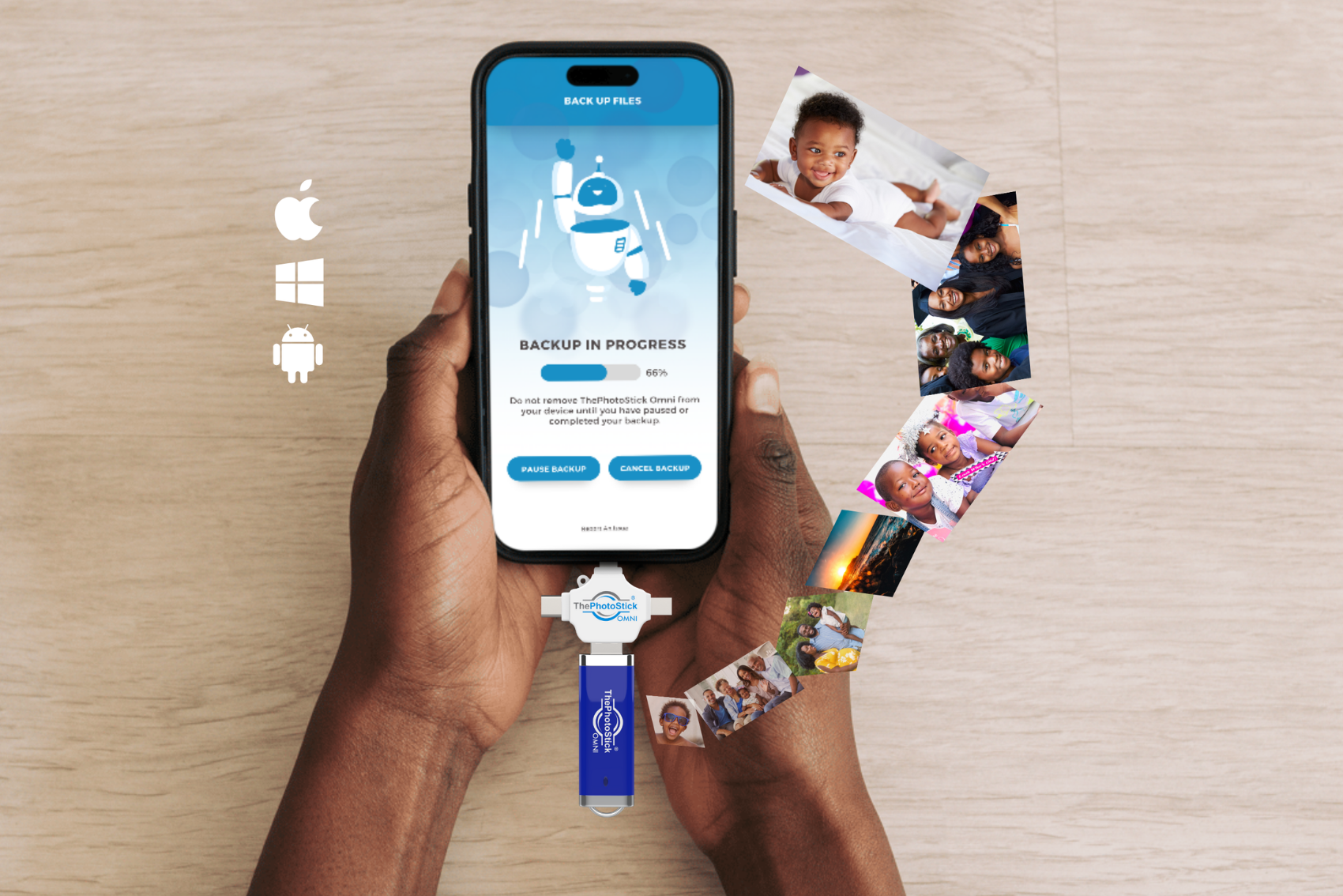
Don’t let its size fool you—ThePhotoStick Omni packs serious storage power! No bigger than a typical USB drive, this portable device can easily fit on your keychain and never requires an internet connection, making backups as convenient as they are effortless.
Available in five different capacities, even the smallest 32 GB version can store over 200,000 photos and videos. With all that space built-in, there’s no need to worry about extra memory cards—everything you need is right in one tiny, powerful package.

PROS
CONS
This smart little device takes the stress out of backups by automatically saving and organizing data while the phone charges. No cloud storage, no complicated software—just plug it in, and Omega DataCube seriously handles everything.
Whether it's photos of family vacations, videos of life’s milestones, or important documents, Omega DataCube will ensure they’re all backed up. It's super user-friendly for all ages, and an ideal choice for families since it will auto backup whenever you charge your phone.

PROS
CONS
The Picture Keeper Connect is a compact USB thumb drive designed with dual functionality, featuring a Lightning connector on one end for use with compatible iOS devices. To back up your data, simply plug in the device, open the free app, and tap “Start Backup” to effortlessly copy photos, videos, and contacts.
While the backup process is straightforward, you’ll need to manually clear content from your iOS device after copying. Restoring files is also simple, but it’s an all-or-nothing process, so there’s no option to selectively choose specific files to add back.

PROS
CONS
No more choosing between precious photos, important files, or favorite videos—at 2TB, the NewQ Hard Drive has room for it all. And thanks to a USB-C connector, it’s super fast, allowing you to zip through backups and free up space in no time.
With plug-and-play simplicity and a durable design, the NewQ Hard Drive makes storing and organizing large amounts of photos and videos incredibly so much easier. Once you work through how to operate the NewQ you're sure to love it, but beware that a bit of tech know-how is needed for this option.

PROS
CONS
The Photo Backup Stick is a straightforward, reliable tool for backing up photos, videos, and contacts from both Android and Windows devices. With plug-and-play functionality, it doesn’t require technical expertise—just insert it into your phone or computer, and tap to start the backup. It automatically scans for media files, making it a breeze to preserve memories without the hassle of complicated setup.
This option is ideal for those who want a no-fuss, portable backup solution. It offers peace of mind with a few simple steps, no fuss needed. Keep in mind, however, that you get what you pay for with the Photo Backup Stick and it does not come with any photo organization or file viewing software/apps.

ThePhotoStick Omni offers greater security than other backup solutions and cloud-type backup services. It can even find and protect over 204,000 photos and videos for half the price of its competitors.
Since the device isn’t connected to the internet, there’s no chance of getting hacked and having your files leaked online. This also means you don’t need to pay any monthly subscription fees just to maintain your files on ThePhotoStick Omni—which turns into HUGE savings down the line.
It’s shameful how Apple provides a bare minimum of 5GB of free iCloud storage to customers, no matter how many devices they own. It’s simply not enough space for all the photos and videos we shoot these days!
And while backing up your digital memories is crucial if you want to keep your priceless photos safe, many people still skip this step, and we kind of understand why.
Backing up all your important files can be time-consuming and tedious. You could easily spend hours organizing, saving, and backing up your data, which can feel overwhelming.
Fortunately, technology has revolutionized how we save and back up our data.
Most photo backup devices now automatically locate, organize, and save your photos and videos while also removing duplicates. Unfortunately, however, many options out there either overcomplicate things, don’t deliver, or try to squeeze you into never-ending subscriptions. We've tried them all—cloud services, external drives, you name it.
Here are a few things to consider before making your final purchase:
Each of the backup devices we tested promised security, but in the end, they always left our team members a little worried. This is why ThePhotoStick Omni always ranked above the others on our list.

Super Easy to Use: Using ThePhotoStick Omni is easier than charging your phone! You simply plug it into your device and let it find and store your photos.
Works With ALL Devices: ThePhotoStick Omni is compatible with macOS and Windows computers, iPhones, iPads, and Adroid phones and tablets.
Protect Over 200,000 Memories: ThePhotoStick Omni can find and protect up to 204,000 photos and videos, which is WAY more files than most of its competitors.
Protects More Than Photos: It not only backs up your favorite photos and videos, but also has the ability to store nearly every file type, including documents, music, contacts and more.
Zero Monthly Fees: You never pay a monthly fee for more storage. There’s just one upfront cost—no subscription fees—for the same amount of storage. No tricky gimmicks!
Fast Backups: ThePhotoStick Omni searches your entire computer and collects videos and photos within minutes.
It will never require additional monthly fees—unlike most cloud services.
When you purchase a photo backup stick you don't have to worry about hidden fees or additional monthly charges. The only cost you will need to factor in when making your purchase is the cost of the device itself.
In fact, many backup sticks, such as ThePhotoStick Omni, have a FREE app that you can download straight to your mobile device.


Normal USB drives don't include 'find and sort' technology.
One of the worst parts of backing up your photos is sorting through each and every image - especially if you're someone who takes A LOT of photos. Sorting through duplicates and then finding a place for each image takes forever!
But when you use ThePhotoStick Omni, all you have to do is simply plug it into your device and press a button.
ThePhotoStick Omni will keep your personal files safe from online hackers.
We’ve all heard the horror stories about people’s cloud storage accounts getting hacked or infected. Unfortunately, those happened because files are hosted over the internet and there's no guarantee that hackers won't try to access your content.
When you use a photo backup stick like ThePhotoStick Omni, your files are saved offline and safely away from the web.


You Can Backup your photos anywhere, anytime—No Wi-Fi or internet connection needed.
Unlike external hard drives, most photo backup sticks can fit right in your pocket. No matter how stuffed your backpack is or how skinny your jeans are, you can carry your backup stick anywhere you go.
Take ThePhotoStick Omni on your next family vacation and easily back up your favorite photos and videos each night, ensuring you never lose a single memory.
You'll never worry about water damage, stolen devices, or losing files in the cloud again.
Top-notch photo backup sticks work with almost any major computer or mobile operating systems.
ThePhotoStick Omni stands out from other photo backup sticks because of its specialized adapter. The Omni adapter is compatible with Android, iOS, Windows, and MacOS.

Copyright ©2024 - ThePhotoStick® | All Rights Reserved
About | Contact Us | Terms of Service | Privacy Policy | Return Policy | Shipping Policy
Share:
ThePhotoStick Omni - Never Lose Your Memories
ThePhotoStick® Omni - Time Travel Through Your Memories